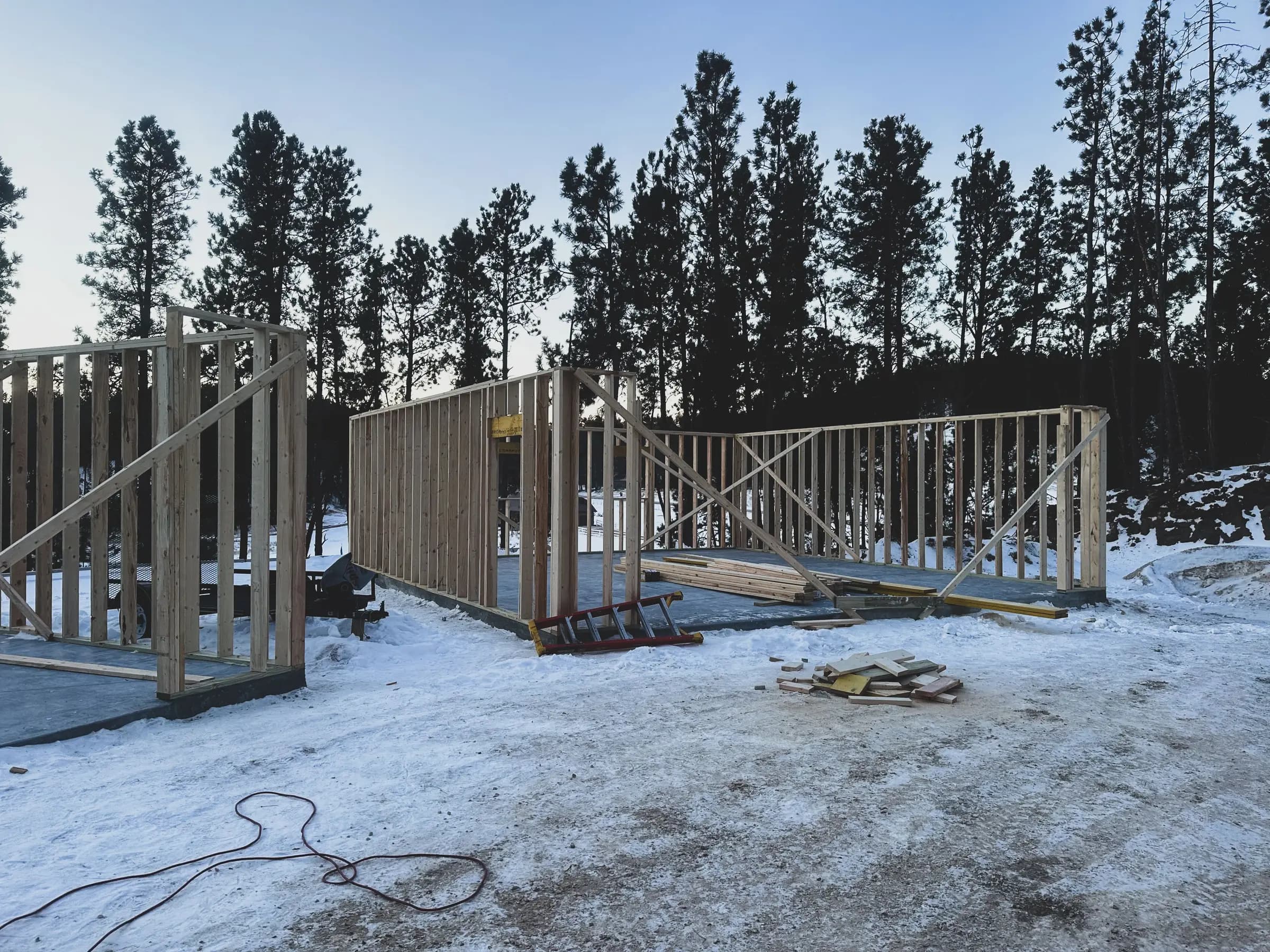
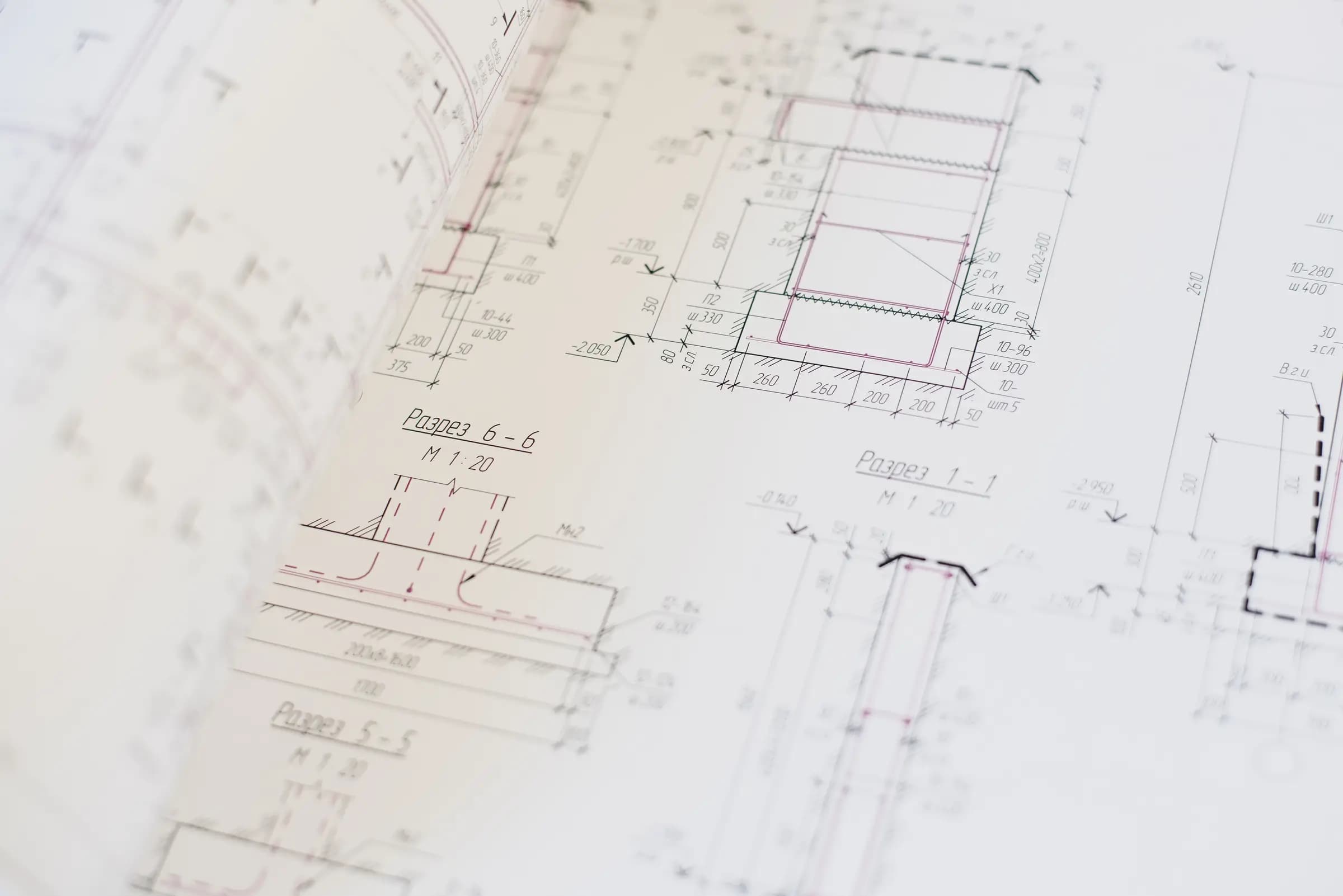
Plan. Track. Build.
Drawings, field records and progress of a jobsite in one place. What the office issues is what the crew sees, and what the crew marks is what the office reads.
Plan
Drawings, revisions and sheets, always current
Track
Punch list, schedule and progress in one place
Build
Field markup and photos, online or offline
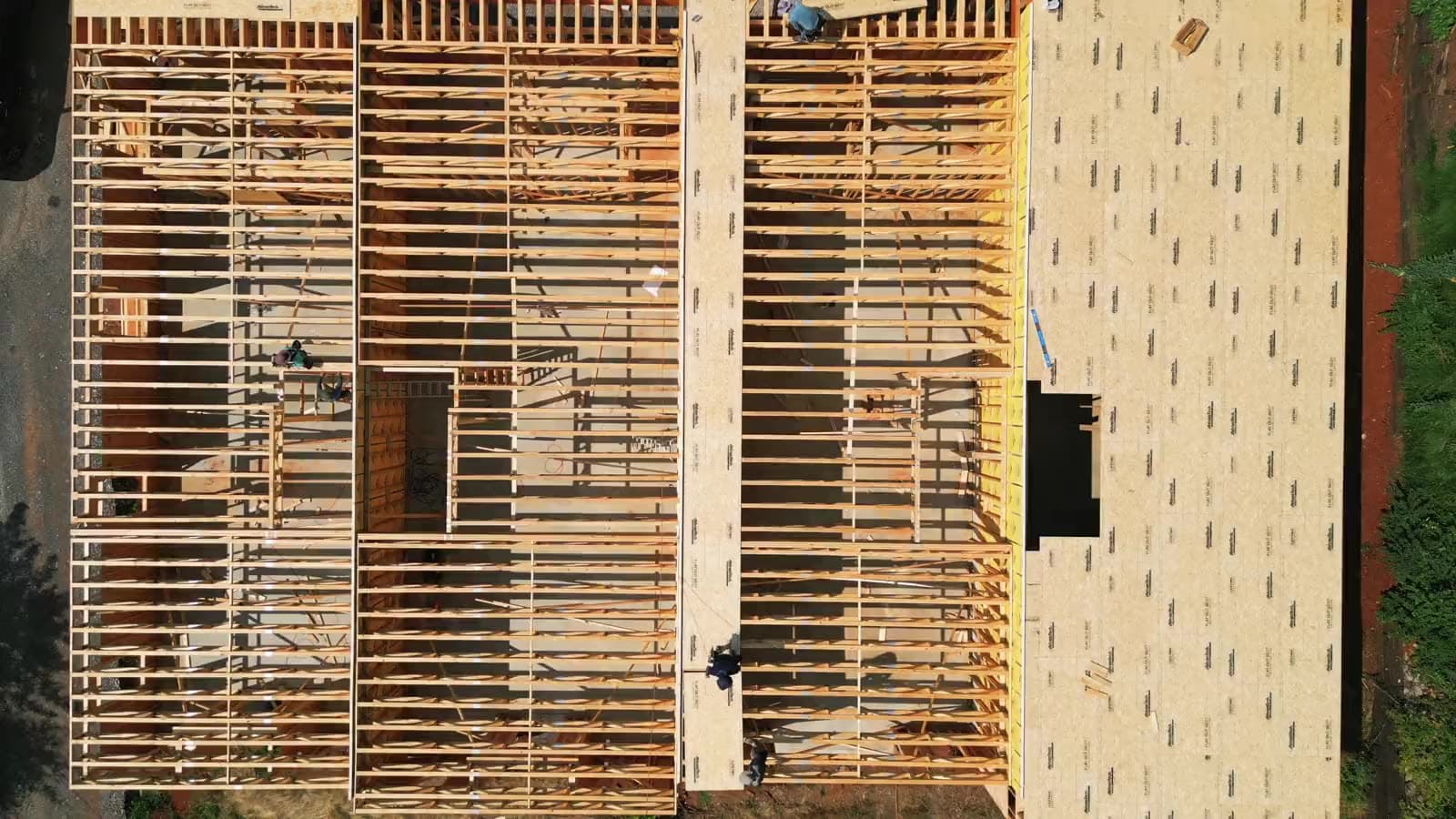
One build, one record.
Sheet A-201 · Rev C
Issued to the field
Markup on grid B/4
Conflict with the beam
Punch #12
Missing outlet cover
14 photos
Second floor framing
Takeoff updated
218 lf of top plate
Synced from the basement
Marked offline, back online
Between the drawing, the field and the office, things get lost.
A jobsite runs on drawings that change, on crews that need them today, and on a record of what actually happened. When those three live in different places, the gaps cost rework, time and arguments.
The wrong revision gets built
A superseded sheet stays on the tailgate for a week. Nobody notices until the wall is up.
Field notes die in chat
Photos, defects and decisions scattered across messages, with no link to the drawing they belong to.
The office reads the site late
Progress, delays and open items reach the desk days after the fact, retyped from memory.
One place for the drawing, the field and the record.
Plans and revisions
Upload the set. Sheets are split, named and versioned. The crew always opens the current revision, and the superseded one stays on record.

Markup and measurement
Draw, pin and measure directly on the sheet, from a phone or tablet. Every mark knows which sheet and revision it belongs to.
Punch list
Open an item on the drawing, assign it, attach the photo, close it. The list and the plan are the same thing.

Field media
Photos and video from the site, tied to a location on the plan and a date, instead of buried in a phone gallery.

Schedule
Phases and milestones next to what the field is reporting, so a delay shows up when it starts, not at the end of the month.
Works offline
No signal in the basement is normal. Sheets, marks and photos keep working and sync when the connection comes back.
From the set to the report.
Upload the set
Drop the PDF of the drawing set. Sheets are split and named automatically.
Issue a revision
New revision replaces the old sheet everywhere, with the previous one kept on record.
Mark it in the field
The crew opens the sheet on a phone or tablet, marks, measures, logs and photographs.
Read the report
Punch items, field marks and photos come back to the office as they happen.
Everyone on the job, job by job.
Access is granted per job, not per company. A sub sees the jobs they are invited to and nothing else; the builder keeps the whole picture.
Builder
Every job of the company in one account. Who sees what is set job by job, and the record stays with the company when the crew moves on.
Site manager
Current sheets, open items, today's log and the schedule on one screen, from the trailer or from the slab.
Subcontractor
Access to the jobs you are on, and only those. The sheet you need, the items assigned to you, the photos you owe.
See it on your job.
Tell us about the company and the kind of work you build. We will walk you through BuilderLog with one of your own drawing sets.